
How do I add items to my wishlist?Updated 18 days ago
To add an Item to your wishlist, simply log into your account and click the heart icon located on the top right-hand side of the product image while you're browsing, or next to the "add to bag" button when you're on a specific product as shown below:
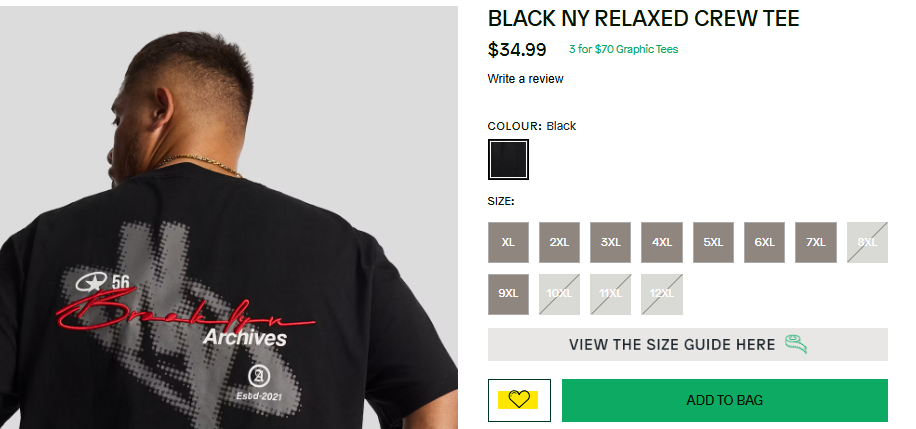
To view your wishlist, click the heart icon in the top right-hand corner of the page as show below. This will display all items currently in your wishlist.
